



| Detail | Information |
|---|---|
| Term | SFM Compile |
| Software | Source Filmmaker |
| Main Compiler | StudioMDL |
| Popular Tool | Crowbar |
| Common Inputs | SMD, DMX, QC |
| Main Output | MDL |
| Engine Family | Source Engine |
| Main Use | Custom models and animations |
| Difficulty | Beginner to Advanced |
What Is SFM Compile?
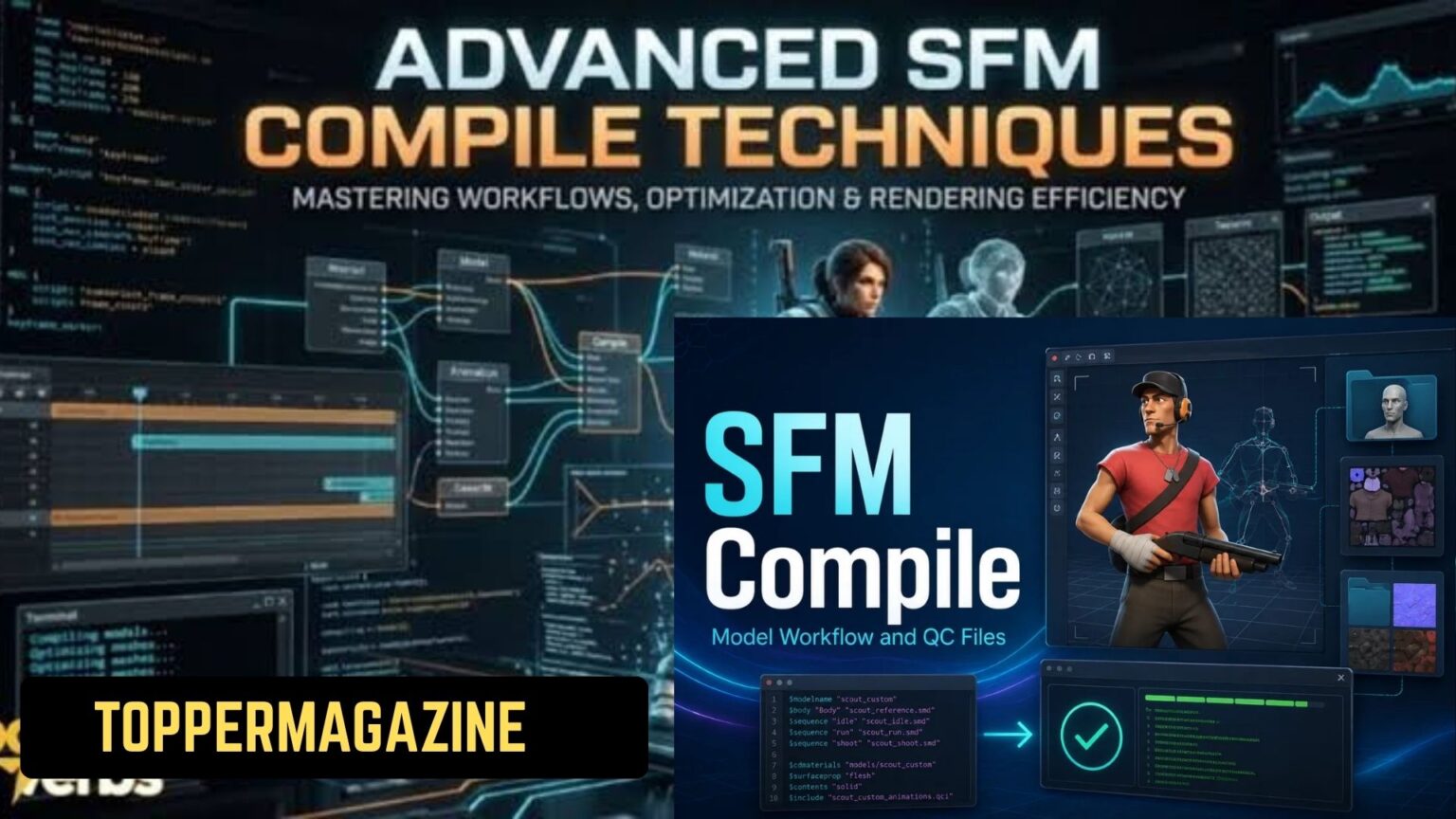
SFM Compile describes the process of compiling Source assets.
Source Filmmaker uses the Source engine for its content pipeline.
Custom models therefore need compatible Source formats.
- What Is SFM Compile?
- How Does SFM Compilation Work?
- Step 1: Prepare the 3D Model
- Step 2: Export Source Files
- Step 3: Create the QC Script
- Step 4: Run the Compiler
- Understanding SFM Compile File Types
- Why Crowbar Is Popular for SFM Compile
- Common SFM Compile Errors
- SFM Compile vs SFM Rendering
- A Practical Beginner Workflow
- An Often-Missed Detail: File Paths
- Why Learning QC Files Matters
- Final Thoughts on SFM Compile
Creators usually begin with files from 3D software.
Blender is one common choice for creating custom assets.
Those files then move through a Source compilation workflow.
The QC script controls how the compiler builds the model.
StudioMDL then processes those instructions and source files.
The finished files can load inside Source Filmmaker.
How Does SFM Compilation Work?
The workflow has several important stages.
Each stage prepares information for the next one.
Step 1: Prepare the 3D Model
Creators first build or modify their model.
They usually check geometry, bones, textures, and animations.
A clean model reduces later compilation problems.
Naming files consistently also makes troubleshooting easier.
Step 2: Export Source Files
The model needs Source-compatible exported files.
SMD and DMX are common formats in this workflow.
Different assets require different exported information.
A character can require geometry, skeleton, and animation files.
Step 3: Create the QC Script
The QC file provides compilation instructions.
It tells StudioMDL how to construct the final model.
A QC file can define several important settings:
- Model output location
- Reference mesh
- Material directory
- Skeleton information
- Animation sequences
- Bodygroups
- Collision settings
Incorrect QC commands can cause compilation failures.
Therefore, checking the script carefully saves significant time.
Step 4: Run the Compiler
StudioMDL performs the actual model compilation.
Crowbar provides a graphical interface for Source development tasks.
Crowbar can launch the appropriate StudioMDL compiler.
This makes the process easier for users who prefer interfaces.
After compilation, Source generates several supporting files.
These files work together to make the model functional.
Understanding SFM Compile File Types
Knowing the major file types helps beginners troubleshoot problems.
QC Files
QC files contain model compilation instructions.
They connect exported assets with the Source compiler.
The file can specify model names and material locations.
It can also define animations and other model properties.
SMD Files
SMD files can contain model or animation information.
They commonly appear in Source model creation workflows.
Different SMD files can serve different purposes.
For example, one can contain reference geometry.
DMX Files
DMX is another format used within Source workflows.
It can store complex model and animation information.
The format became useful across several Source development pipelines.
Its exact use depends on the tools and asset.
MDL Files
The MDL file represents the compiled model.
Source-based applications use it as the primary model file.
However, MDL does not work completely alone.
Other generated files can provide additional model information.
VVD, VTX, and PHY Files
These files support different parts of the compiled asset.
VVD stores vertex data for the model.
VTX contains optimized rendering information.
PHY provides physics collision information.
Together, these files support the final Source model.
Why Crowbar Is Popular for SFM Compile
Crowbar simplifies several Source development tasks.
It provides graphical controls for technical workflows.
Users can select compiler tools and configure directories.
They can also review compiler output after running operations.
This makes Crowbar useful for beginners and experienced creators.
It can reduce the need for manual command-line work.
Crowbar also supports Source model decompilation.
That feature can help creators inspect existing Source assets.
However, decompiling someone else’s work raises copyright concerns.
Always respect the creator’s license and distribution terms.
Common SFM Compile Errors
Compilation problems often come from small configuration mistakes.
The error message usually provides the first useful clue.
Missing Source Files
A QC script may reference a nonexistent file.
Check filenames and folders carefully before compiling again.
Incorrect Material Paths
A model can compile successfully but lack textures.
This usually points toward incorrect material paths.
Check the material directory used by the QC file.
Also verify that required VMT and VTF files exist.
Broken Skeletons
Character models depend heavily on correct bone structures.
Incorrect skeleton information can cause serious animation problems.
Make sure exported bones match the intended rig.
Then verify the relevant QC configuration.
Wrong Compiler
Source games can use different versions of StudioMDL.
Using an unsuitable compiler can create compatibility problems.
Always identify the target Source application first.
Then select the appropriate compiler for that environment.
SFM Compile vs SFM Rendering
These two terms often cause confusion.
Compilation prepares assets for Source Filmmaker.
Rendering creates the final visual output.
Compilation happens before you use the finished asset.
Rendering happens when you create images or videos.
For example, a custom character needs compilation first.
You can then place that character inside an SFM scene.
After creating the scene, you can render the animation.
Therefore, compilation and rendering serve different purposes.
A Practical Beginner Workflow
New users can follow a simple sequence.
Create → Export → Write QC → Compile → Test
First, prepare the model and required materials.
Next, export the necessary SMD or DMX files.
Then create the QC script with correct paths.
Run StudioMDL through your preferred compilation tool.
Finally, test the model inside Source Filmmaker.
Check textures, bones, animations, and physics behavior.
If something fails, return to the compiler output.
Avoid changing several settings without identifying the problem.
An Often-Missed Detail: File Paths
File paths cause many unnecessary SFM problems.
A technically correct model can still fail because paths differ.
Keep your project folders organized from the beginning.
Use consistent names for models and materials.
Avoid unnecessary folder changes after compilation.
Moving files can break references inside existing QC scripts.
A predictable folder structure also makes future updates easier.
Why Learning QC Files Matters
Many beginners focus only on graphical tools.
However, QC knowledge gives much greater control.
You can change model behavior directly through compilation instructions.
You can also manage animations, bodygroups, and material references.
This makes QC knowledge useful beyond basic compilation.
It becomes an important part of advanced Source workflows.
Final Thoughts on SFM Compile
SFM Compile is essentially a preparation process.
It transforms compatible source assets into Source-engine model files.
The process becomes easier once each file has a purpose.
QC controls the build, while StudioMDL performs compilation.
Crowbar can make that technical process more accessible.
Still, understanding the underlying files remains extremely valuable.
For beginners, start with one simple custom model.
Learn the workflow before attempting complicated character projects.
The key lesson is straightforward:
Good preparation usually creates a smoother SFM compile.
Read more:Tubehalote: What It Really Is and Why the Name Is Confusing